Cloud VPS vs. Traditional VPS: What’s the Actual Difference?
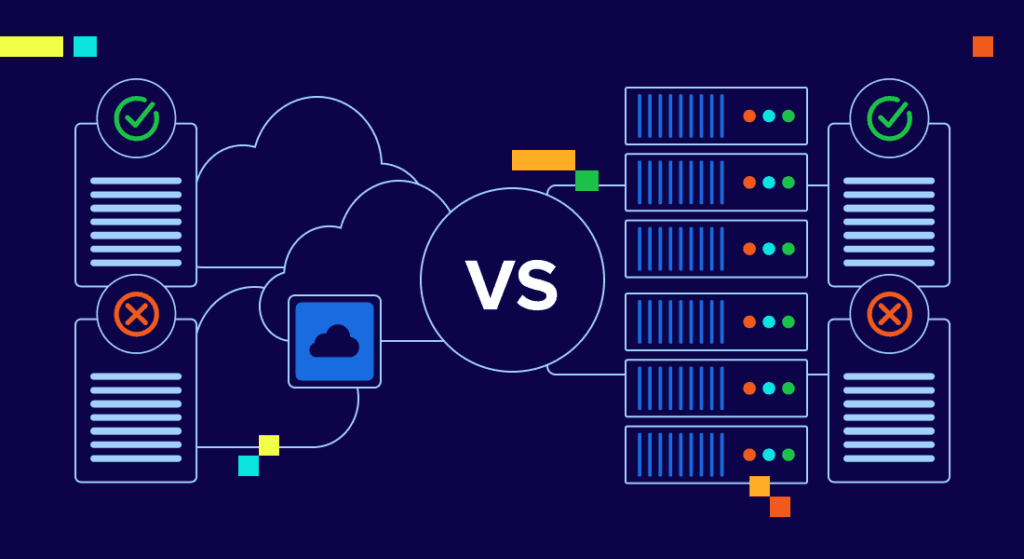
Cloud VPS and traditional VPS hosting both offer virtualized server environments, but they have key differences that can affect performance, scalability, and cost.
Cloud VPS:
- Scalability
- Cloud VPS is highly scalable. You can easily add or remove resources like CPU, RAM, and bandwidth as needed.
- Redundancy
- Cloud VPS uses multiple physical servers, so if one goes down, your website remains online.
- Pricing
- Cloud VPS often follows a pay-as-you-go pricing model, which means you only pay for what you use.
Traditional VPS:
- Dedicated Resources
- In traditional VPS, you get fixed resources that are dedicated solely to you, ensuring stable performance.
- Less Flexible
- Scaling can be harder, and you may need to contact your provider for upgrades.
- Pricing
- Traditional VPS typically has fixed monthly costs, which can be more predictable but less flexible.
Conclusion
If you need flexibility and scalability, a cloud VPS might be the better choice. However, if you need fixed resources and more control, a traditional VPS is ideal.
- Published in Tips & Tricks
How to Host Multiple Websites on a Single VPS
If you’re running several websites, hosting them on a single VPS can save costs and simplify management. Here’s how you can do it efficiently:
Step 1: Set Up Virtual Hosts (Apache or Nginx)
- Apache: Configure your httpd.conf file to add virtual hosts for each website.
- Nginx: Use server blocks in the Nginx configuration file to set up virtual hosts for each site.
Step 2: Configure DNS for Each Domain
- Point each domain’s DNS to the IP address of your VPS. This ensures that each domain resolves to the correct website hosted on your VPS.
Step 3: Create Separate Directories for Each Website
- Organize your website files into separate directories (e.g., /var/www/website1, /var/www/website2) for each domain.
Step 4: Allocate Resources
- Use control panels or configuration files to allocate CPU, memory, and bandwidth resources to each website to prevent resource hogging.
Step 5: Secure Each Site
- Use SSL certificates for each website to secure user data and improve trust.
Conclusion
Hosting multiple websites on a single VPS is cost-effective and efficient. Just ensure proper resource allocation and security to prevent performance issues.
- Published in Tips & Tricks
10 Things You Can Do with a VPS That Shared Hosting Can’t

- Published in Tips & Tricks