How Enterprise Brands Use Dedicated Servers to Stay Fast

Large enterprises rely heavily on dedicated servers to maintain high performance, fast load times, and reliability for their websites and applications. Here’s why dedicated servers are often the go-to solution for enterprise brands:
Optimized for High Traffic
Enterprise-level websites experience heavy traffic and need a reliable server solution to handle the volume without lag. Dedicated servers provide a substantial amount of resources (CPU, RAM, bandwidth) to ensure that even during traffic surges, the website performs efficiently.
Customization for Specific Needs
Large businesses often run complex applications that require specific configurations. With dedicated servers, brands have complete control over their hardware, including operating system, software, and firewalls. This customization ensures the server environment is tailored to the company’s unique requirements.
Faster Load Times
Dedicated servers minimize latency because there are no other websites sharing the server’s resources. The business gets maximum performance, ensuring that their website or application runs at top speed, which is crucial for keeping customers engaged.
Better Security
For businesses handling sensitive customer information (e.g., payment details), dedicated servers provide superior security compared to shared hosting. With no other websites on the same server, the chances of vulnerabilities being exploited are significantly lower.
Conclusion
Enterprise brands rely on dedicated servers for their high performance, security, and customization capabilities. These benefits allow them to handle large volumes of traffic while maintaining a seamless experience for users.
- Published in Tips & Tricks
Bare Metal vs. Cloud: Why Some Businesses Still Go Dedicated

With the rise of cloud computing, many businesses have shifted to cloud services for their flexibility and scalability. However, dedicated servers (bare metal) still hold a significant place for businesses with specific needs. Here’s why some businesses stick with dedicated hosting:

What is Bare Metal Hosting?
Bare metal hosting involves renting a physical server where all the resources are dedicated to a single user. There’s no virtualization, which means more control and performance.

What is Cloud Hosting?
Cloud hosting provides scalable virtual servers that can dynamically adjust resources like CPU, RAM, and bandwidth based on your needs. It’s known for flexibility and pay-as-you-go pricing.
Why Choose Bare Metal Servers?
- Performance Consistency: Dedicated servers offer predictable performance with no resource sharing, which is critical for businesses requiring high uptime and consistent speed.
- Data Control: Businesses that handle sensitive data often choose dedicated servers for greater control over their physical hardware and data security.
- Customization: Dedicated servers allow businesses to fully customize their server environment (e.g., operating systems, applications, firewalls).
- Better Security: As there’s no resource sharing with other users, the server is less susceptible to vulnerabilities associated with multi-tenant environments in the cloud.
Why Some Businesses Choose Cloud Hosting:
- Scalability: Cloud hosting allows you to scale your resources up or down quickly depending on demand.
- Cost Efficiency: Pay for what you use, which is ideal for businesses with fluctuating resource needs.
Conclusion

While cloud hosting offers flexibility and scalability, businesses that need consistent performance, security, and customization often prefer dedicated servers. It’s about finding the right balance for your specific needs.
- Published in Tips & Tricks
How to Choose the Right Dedicated Server for Your Business


Choosing the right dedicated server for your business is a crucial decision that can impact your website’s performance, security, and scalability. Here are the steps to help you choose the best dedicated server:
Understand Your Requirements:
Before selecting a server, analyze your business’s needs. Ask yourself:
- How much traffic does your website get?
- What software or applications will you run on the server?
- What are your security and performance requirements?
Key Features to Look for:
- CPU: Opt for a high-performance processor (such as Intel Xeon or AMD Ryzen) if you’re running resource-intensive applications.
- RAM: Choose 16GB to 32GB of RAM for normal business websites, or higher for larger, more demanding sites.
- Storage: SSDs (Solid-State Drives) are preferable for speed, while HDDs (Hard Disk Drives) offer more storage at a lower cost.
- Bandwidth: Ensure the server has sufficient bandwidth (10Mbps to 1000Mbps) to handle your website’s traffic.
Consider Data Center Location:
Choose a server with a data center close to your target audience for lower latency and faster speeds.
Support and Management:
Opt for providers offering 24/7 support. If you’re not familiar with server management, consider a managed hosting plan where the provider handles maintenance, updates, and security.
Conclusion

Choosing the right dedicated server boils down to understanding your business’s needs, selecting the correct specifications, and evaluating the hosting provider’s support and management services.
- Published in Tips & Tricks
How to Monitor Your VPS Performance Like a Pro


Monitoring the performance of your VPS is essential to ensure optimal functioning. Here’s how you can monitor your VPS like a professional:
Tools to Use:
- htop
- Use htop for a detailed real-time view of your server’s CPU, memory, and process usage.
- Netdata
- Netdata is a powerful monitoring tool that provides detailed insights into your server’s health, including CPU, RAM, disk usage, and network traffic.
- Prometheus & Grafana
- For more advanced monitoring, set up Prometheus and Grafana to collect and visualize metrics over time.
Key Metrics to Track
- CPU Usage
- Keep an eye on the CPU usage to ensure it’s not consistently high, which could indicate overloading.
- Memory Usage
- Monitor RAM usage to ensure there’s enough available for your applications.
- Disk Space
- Ensure there’s enough disk space to avoid issues with storage and performance.
- Network Traffic
- Track bandwidth usage to avoid running into throttling or performance bottlenecks.
Conclusion

Regular monitoring ensures your VPS remains healthy and performs at its best, preventing any potential slowdowns or issues.
- Published in Tips & Tricks
Cloud VPS vs. Traditional VPS: What’s the Actual Difference?

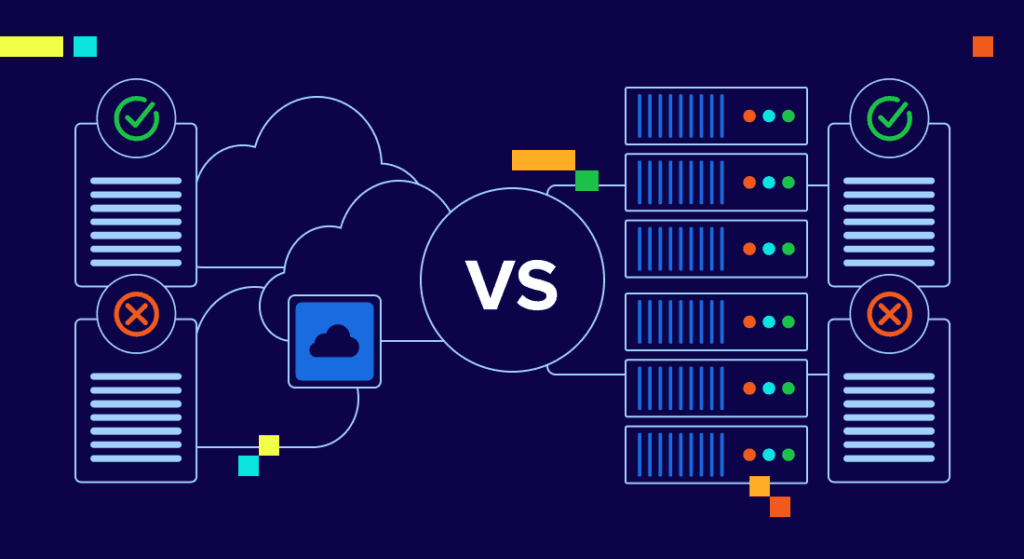
Cloud VPS and traditional VPS hosting both offer virtualized server environments, but they have key differences that can affect performance, scalability, and cost.
Cloud VPS:
- Scalability
- Cloud VPS is highly scalable. You can easily add or remove resources like CPU, RAM, and bandwidth as needed.
- Redundancy
- Cloud VPS uses multiple physical servers, so if one goes down, your website remains online.
- Pricing
- Cloud VPS often follows a pay-as-you-go pricing model, which means you only pay for what you use.
Traditional VPS:
- Dedicated Resources
- In traditional VPS, you get fixed resources that are dedicated solely to you, ensuring stable performance.
- Less Flexible
- Scaling can be harder, and you may need to contact your provider for upgrades.
- Pricing
- Traditional VPS typically has fixed monthly costs, which can be more predictable but less flexible.
Conclusion
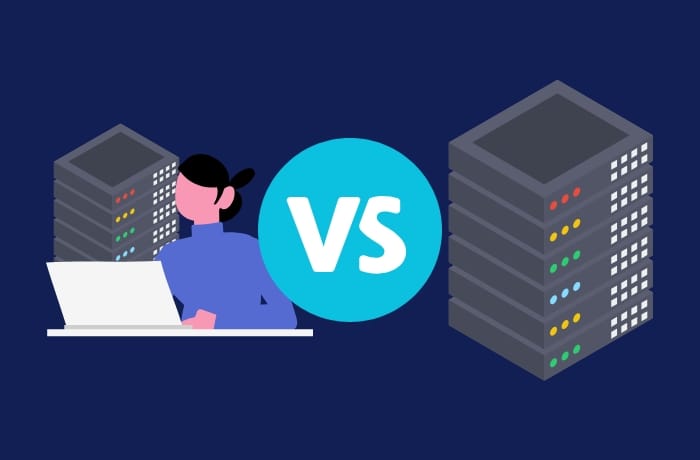
If you need flexibility and scalability, a cloud VPS might be the better choice. However, if you need fixed resources and more control, a traditional VPS is ideal.
- Published in Tips & Tricks
How to Host Multiple Websites on a Single VPS
If you’re running several websites, hosting them on a single VPS can save costs and simplify management. Here’s how you can do it efficiently:
Step 1: Set Up Virtual Hosts (Apache or Nginx)
- Apache: Configure your httpd.conf file to add virtual hosts for each website.
- Nginx: Use server blocks in the Nginx configuration file to set up virtual hosts for each site.
Step 2: Configure DNS for Each Domain
- Point each domain’s DNS to the IP address of your VPS. This ensures that each domain resolves to the correct website hosted on your VPS.
Step 3: Create Separate Directories for Each Website
- Organize your website files into separate directories (e.g., /var/www/website1, /var/www/website2) for each domain.
Step 4: Allocate Resources
- Use control panels or configuration files to allocate CPU, memory, and bandwidth resources to each website to prevent resource hogging.
Step 5: Secure Each Site
- Use SSL certificates for each website to secure user data and improve trust.
Conclusion
Hosting multiple websites on a single VPS is cost-effective and efficient. Just ensure proper resource allocation and security to prevent performance issues.
- Published in Tips & Tricks
10 Things You Can Do with a VPS That Shared Hosting Can’t

- Published in Tips & Tricks
The Truth About “Unlimited” Web Hosting Plans


Unlimited hosting plans are often marketed as the best deal. But are they really as good as they seem? Let’s dive into what “unlimited” hosting plans really offer.
What Does “Unlimited” Mean?
Most hosting providers advertise “unlimited” disk space, bandwidth, and email accounts. However, this is often a marketing tactic rather than a reality.
What You’re Really Getting:
- Resource Caps
- “Unlimited” plans are typically subject to resource limitations in the fine print. For example, hosts may throttle your website’s speed once certain thresholds are reached.
- Fair Usage Policies
- Many “unlimited” plans have fair usage policies that limit resources based on the server’s overall capacity. This means you could face throttling or even suspension if your website consumes too many resources.
Why “Unlimited” Hosting Plans Might Not Be Ideal
- Performance Issues
- Once you approach the resource limits, your website’s performance can suffer, leading to slow load times and increased downtime.
- Hidden Fees
- Some “unlimited” plans include hidden fees for excessive resource usage, which can make your bill higher than expected.
Conclusion

While “unlimited” hosting plans may seem appealing, always check for hidden limitations and make sure the plan truly fits your website’s needs.
- Published in Tips & Tricks
What Is LiteSpeed and Why Should Your Host Have It?

- Published in Tips & Tricks
Green Web Hosting: Is Eco-Friendly Hosting Worth It?

- Published in Tips & Tricks
- 1
- 2